
Manual publishing is a hidden time sink. You write (or have written) a post, then spend 20-30 minutes formatting it in WordPress — setting categories, adding tags, uploading the featured image, adjusting the excerpt, setting the canonical URL, then scheduling or hitting publish.
Multiply that by 4 posts per week and you're spending 2+ hours per week on publication admin — work that adds no value to the content.
Auto-publishing to WordPress eliminates this entirely. Here's how to set it up properly.
Why Auto-Publishing Matters for SEO
Beyond saving time, automated publishing has direct SEO benefits.
Consistency — Search engines reward sites that publish consistently. An automated system publishes on schedule regardless of competing priorities. Manual publishing gets skipped when things get busy.
Faster indexing — Publishing at consistent times trains Googlebot to crawl your site more frequently. Regular new content triggers more frequent crawls, which means new posts get indexed faster.
Correct technical setup every time — Manual publishing introduces human error: forgotten canonical tags, wrong categories, missing alt text. Automated publishing applies the same correct configuration to every post.
Scale — Once your pipeline is automated, the cost of publishing 1 post vs. 50 posts is essentially the same. Manual publishing scales linearly with headcount.
How to Connect Your WordPress Site for Automated Publishing
WordPress offers two main connection methods for automated publishing:
Method 1: WordPress REST API (recommended)
The WordPress REST API allows external applications to create, update, and publish posts programmatically. This is how most modern automated publishing tools connect.
Requirements:
- WordPress 5.0+ (REST API included by default)
- An application password (Settings → Users → Application Passwords in WordPress admin)
- HTTPS on your WordPress site (required for secure API calls)
How it works:
- Your automation tool authenticates with your WordPress site using application credentials
- When content is ready to publish, it sends the post content via a REST API call
- WordPress creates the post with all specified metadata (categories, tags, featured image, excerpt, canonical URL)
- The post publishes immediately or at the scheduled time
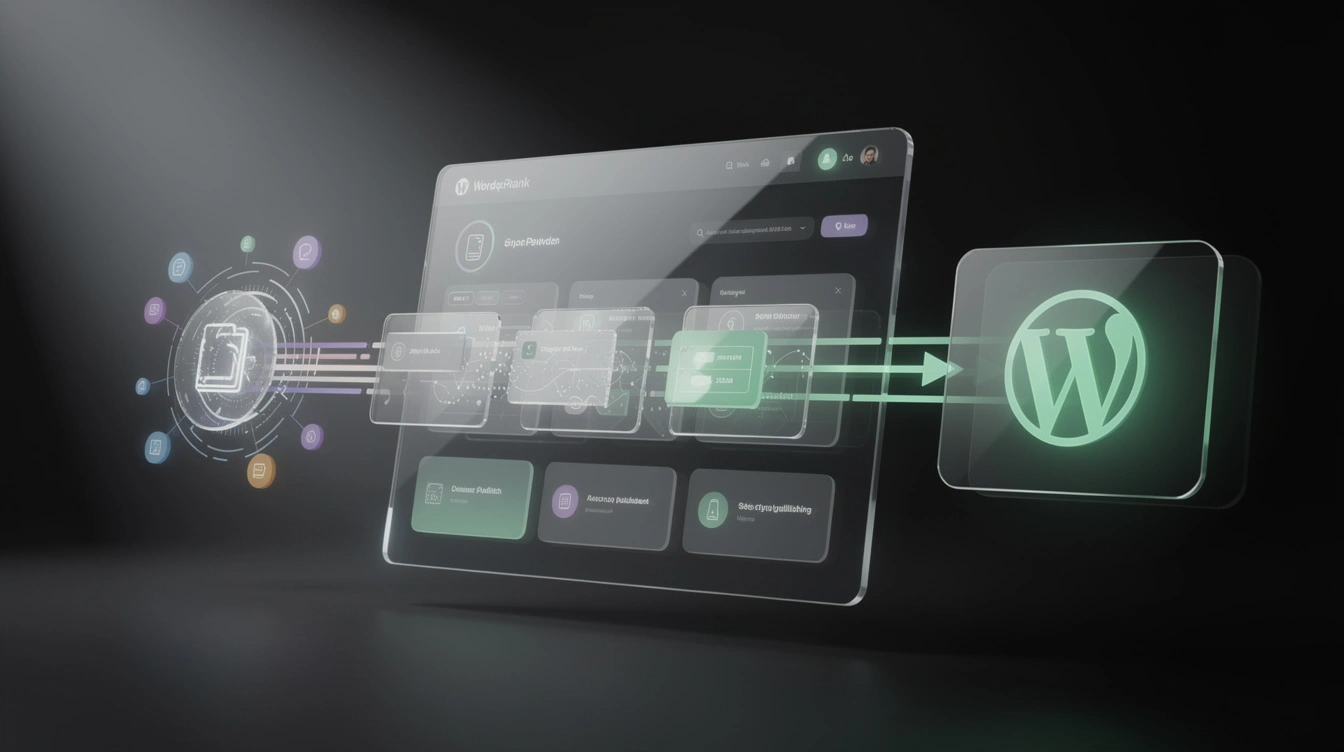
Most major SEO automation platforms use this method. AutopilotRank's WordPress integration uses the REST API with application passwords — the most secure approach.
Method 2: WordPress XML-RPC (legacy)
The older XML-RPC protocol also allows remote publishing but has known security vulnerabilities. Unless your automation tool specifically requires it, use the REST API instead.
Many WordPress security plugins disable XML-RPC by default. If you're using this method and hitting connectivity issues, check whether XML-RPC is blocked.
Setting up application passwords
- In WordPress admin: Users → Profile → scroll to Application Passwords
- Enter a name for the application (e.g., "AutopilotRank")
- Click "Add New Application Password"
- Copy the generated password — you'll only see it once
- Use this password in your automation tool's WordPress connection settings
Keep application passwords secure. Revoke them if you stop using a tool.
AutopilotRank connects to WordPress in under 2 minutes. Enter your site URL and application password, and the system starts publishing automatically. Start your free trial → or see WordPress use cases →.
Setting Up Automated Publishing Schedules
Once connected, you can configure how and when posts publish.
Immediate publishing
Every approved piece publishes instantly after generation and quality checks. Good for:
- Aggressive content strategies where speed matters
- News-adjacent content where timeliness is important
- Sites with high publishing velocity targets (10+ posts/week)
Scheduled publishing (most common)
Posts queue and publish at specified times. Configure:
- Days of week — Which days to publish (Tuesday/Wednesday typically get the highest traffic engagement for blog content)
- Time of day — Morning publishes (8-10am local time) tend to get earlier Googlebot crawls
- Maximum posts per day — Prevent burst publishing that might look unnatural (limit to 1-3/day)
Drip-feed publishing
Content builds up in a queue and releases at a controlled cadence. Good for:
- Building a content buffer during high-production periods
- Maintaining consistent publishing during vacation periods
- Launching a site with a full content calendar ready
Drip vs. batch: which is better?
Drip publishing (1 post/day, every day) typically outperforms batch publishing (7 posts at once on Monday) for SEO because:
- Consistent daily publishing signals an active, maintained site
- Googlebot crawls more frequently when content appears regularly
- Social sharing and traffic signals distribute more evenly
Batch publishing at the start of a campaign is fine for initial content. Ongoing publishing should use drip or scheduled cadences.

Handling Categories, Tags, and Featured Images Automatically
Proper metadata is what separates professional automated publishing from crude CMS injection.
Category assignment
Automate category assignment by mapping content types to categories:
- "How-To Guide" posts → "Guides" category
- "Tool Review" posts → "Reviews" category
- "Comparison" posts → "Comparisons" category
Your automation tool should allow rule-based category mapping based on post type, keyword cluster, or content template.
Tag automation
Tags improve internal discovery but need to be managed carefully. Too many one-off tags create orphan tag archives that confuse crawlers. Best practice:
- Maintain a controlled vocabulary of 20-50 core tags
- Map content to tags based on keyword cluster (e.g., "WordPress automation" posts → tag: "WordPress")
- Avoid automatically generating unique tags per post
Featured image automation
Featured images require either:
- Unsplash API integration — Automated tools can query Unsplash for royalty-free images matching the post topic
- Template images — Category-specific branded images that serve as defaults
- Pre-generated images — AI image generation tools produce post-specific featured images
AutopilotRank's auto-publishing supports all three approaches. For most content strategies, Unsplash API integration provides topically relevant images without requiring image generation infrastructure.
SEO metadata
Every auto-published post should include:
- Meta description — Generated from the post summary, within 150-160 characters
- Yoast/RankMath SEO fields — Most SEO plugins expose fields via REST API (focus keyword, meta description, canonical URL, open graph tags)
- Canonical URL — Set to the post's own URL to prevent accidental duplicate content issues
- Open graph image — Usually the featured image, set in OG meta tags
Monitoring Auto-Published Content
Automation requires monitoring. Set up alerts for:
Publication errors — When a post fails to publish (API errors, authentication failures), you want to know immediately. Most tools offer webhook or email alerts for failed publications.
Quality gates — If your automation tool has quality scoring, set a minimum score threshold. Posts scoring below the threshold should queue for manual review rather than auto-publishing.
Ranking alerts — Once posts publish, track their ranking performance via rank tracking tools. Set alerts for posts that don't rank within 30 days (a signal to review and update the content).
GSC coverage — Check Google Search Console periodically to confirm auto-published posts are being indexed correctly.
Common Auto-Publishing Mistakes
Publishing without quality review
Automation is not a reason to skip quality checks. Always implement minimum quality thresholds before content auto-publishes. Even a simple word count minimum and readability score gate prevents the worst outcomes.
Incorrect canonical URL configuration
If your WordPress site has both HTTPS and HTTP versions, or www and non-www versions, auto-publishing can create canonical URL mismatches. Ensure your automation tool sets the canonical URL correctly for every post.
Ignoring internal links post-publish
Auto-published posts don't automatically link from existing content. Set a process to add links from relevant existing posts to new content within 24-48 hours of publishing. This integrates new content into your site's link graph — critical for ranking.
Publishing duplicate content
If you're using content templates across multiple similar posts (e.g., product descriptions or city pages), ensure each piece has genuinely unique content. Duplicate or near-duplicate content on auto-published pages can trigger Google's duplication filters.
The Complete Auto-Publishing Stack
A production WordPress auto-publishing setup looks like:
- Content generation — AutopilotRank generates and quality-scores content
- Review queue — Human review for high-priority content; auto-approve for routine posts
- WordPress connection — REST API with application password authentication
- Publishing schedule — Drip-feed at 1-2 posts/day on Tuesday-Friday
- Metadata automation — Categories, tags, featured image, SEO fields set automatically
- Post-publish monitoring — GSC indexing check + rank tracking alerts
This stack runs essentially unattended after initial setup. You spend time on strategy and oversight — not on publication admin.
Reviewed for SEO operators

Joao Furtado
Founder & SEO Automation Specialist
Joao Furtado builds and operates SEO automation systems — from keyword research and multi-model drafting to quality scoring, CMS publishing, and Google Search Console optimization.
Articles are reviewed against real production workflows: keyword selection, draft generation, quality scoring, CMS publishing, and post-publication optimization.
Related Reading
How-To Guides
How to Automate SEO: A Complete Step-by-Step Guide
Learn how to automate SEO from keyword research to publishing. Step-by-step guide to building a full SEO automation workflow that scales without manual effort.
8 min read
How-To Guides
How to Track Google Rankings Automatically in 2026
Learn how to track Google rankings automatically without manual checking. The best methods, tools, and workflows for automated rank tracking in 2026.
9 min read
SEO Strategy
Content Calendar Automation: Run Your Blog on Autopilot
Learn how to automate your content calendar and run your blog on autopilot. Build a system that plans, creates, and publishes content automatically.
8 min read
Share this article